Vault (admin only)
Opened from the account menu (bottom-left) under Administration, or from ⌘K.
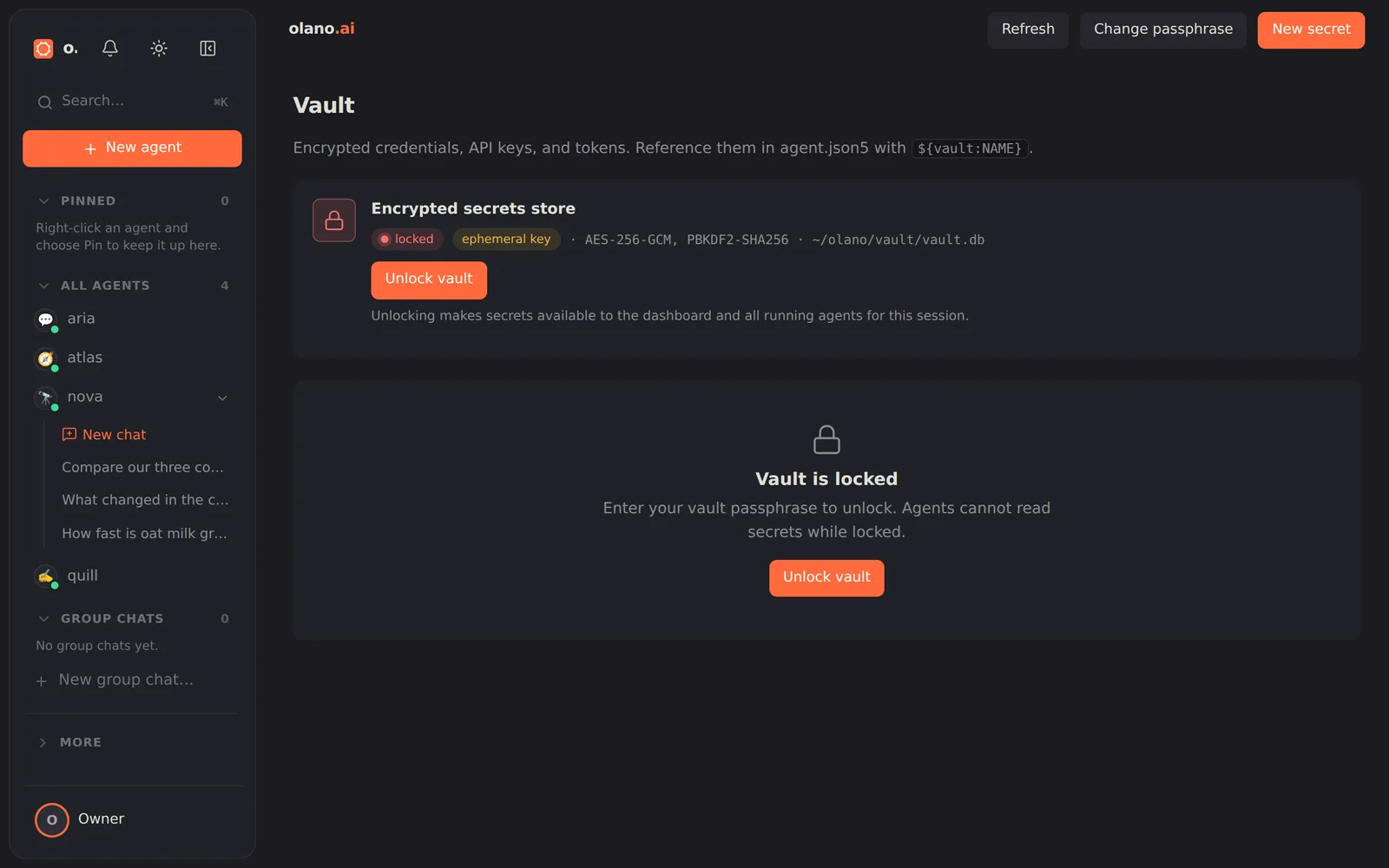
The encrypted credential store: every API key, bot token and service password. You can add, rename and delete entries, and set per-agent overrides so two agents using the same credential name authenticate as different identities.
Who can see a stored value. An admin can reveal one here in the dashboard.
An agent cannot, by default: asking the vault for a credential returns a
masked preview (PKBM************), enough to confirm which key is stored
without putting the secret in the conversation. The full value is an explicit,
owner-only request that needs human approval before it reaches the agent. So an
agent can list names and use a credential freely, and only a person can turn
one back into plaintext.
Entries the runtime keeps for itself are not listed. The deployment's own connection credentials (the key it uses to reach Olano-managed models, the signing key for its link to Olano Cloud) live in the same encrypted store, but they are created and renewed by the runtime, never by you. They do not appear on this page, cannot be revealed, changed, removed or overridden from the dashboard, and agents cannot read or use them. Whether the deployment is connected is shown on the Overview provider card instead.
Rekey changes the vault passphrase and re-encrypts every stored secret under the new one. Use it if the passphrase may have been exposed.
The vault re-locks whenever the server or dashboard restarts, and the dashboard prompts you to unlock it before anything that needs a credential can run.